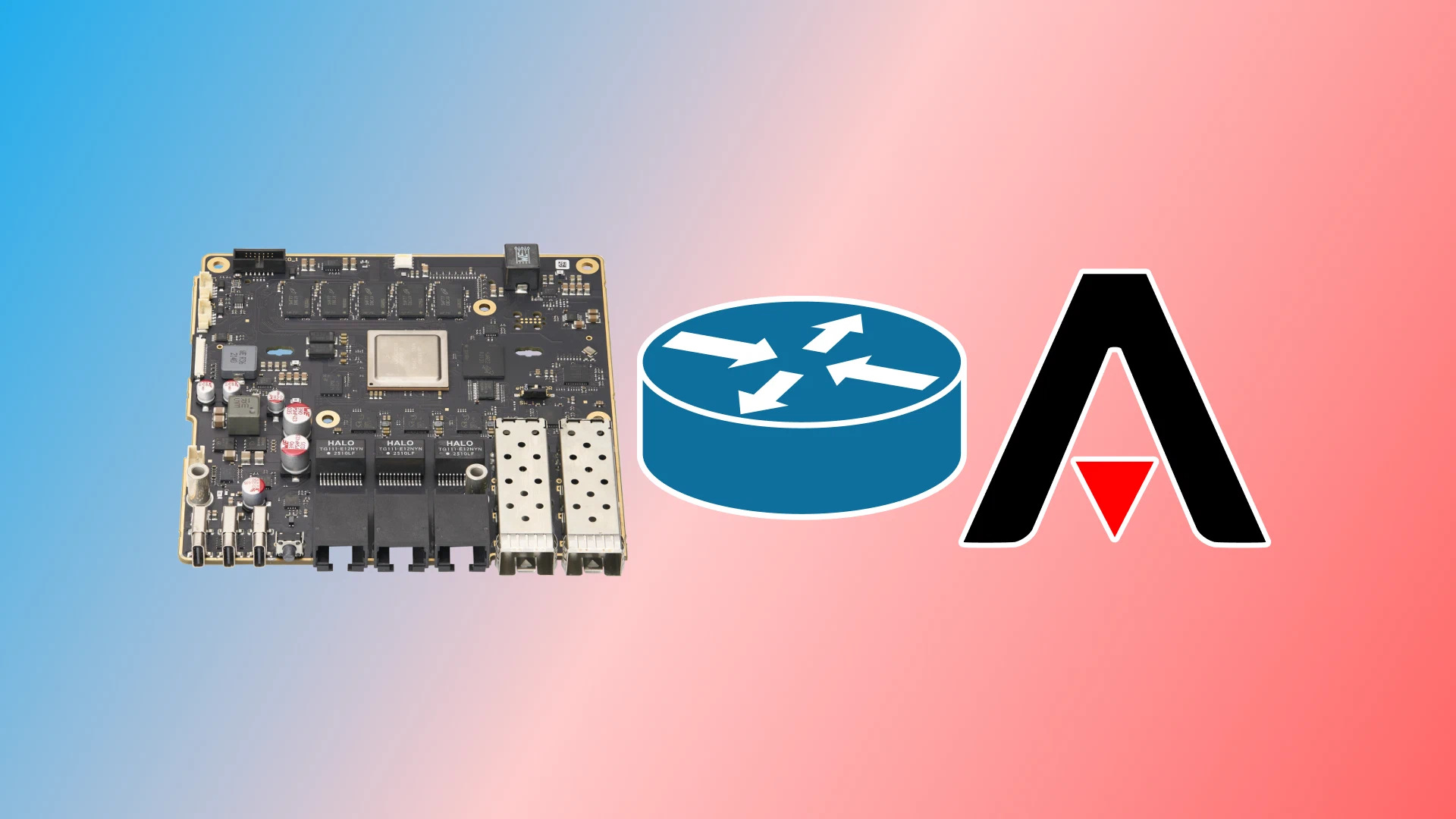
Now that I have had some time with my Mono Gateway Development Kit, I figured I should write about what I want to do with it and how I am using it.
I started off with installing OPNsense on the Gateway thinking that this would
satisfy my needs, but I soon realized that OPNsense is not the router OS suited
for my purpose.
But what exactly are my needs?
I want to use my Gateway as my homelab router. My network at home is managed by a FRITZ!Box 7590 AX to which I do not have administrative access, since my dad knows I am going to ruin our network and internet access at the worst possible time. But creating and deleting VMs with different MAC addresses and having them all online at once drains the DHCP space the FRITZ!Box has to work with, and I also do not want to bloat this one broadcast domain.
That is why I want the Gateway to work as a secondary router in our network which I control and can mess with to my liking. This also gives me much more flexibility than the FRITZ!Box could ever give me.
Of course, this presents some big challenges:
- What about double NAT?
- How am I going to do port forwarding?
Doing some quick research into the double NAT issue, I soon learned that the
FRITZ!Box not only NATs the default 192.168.178.0/24 space but every private
IPv4 space.
So I figured I could just set up a static route in the FRITZ!Box like
10.0.0.0/8 via 192.168.178.2 and call it a day.
And yes, this works!
I have got full IPv4 connectivity and routing between the FRITZ!Box’s LAN
and other networks created on the Gateway.
Port forwarding with a secondary router behind a FRITZ!Box is kind of tricky. Now, as we are customers of Deutsche Glasfaser we already only get a public IPv6 prefix and no publicly routable IPv4 address. So IPv4 port forwarding was off the table right from the start.
Looking into the IPv6 realm, the FRITZ!Box actually does a pretty decent job
here.
Buried in the advanced settings of the IPv6 DHCP server the FRITZ!Box can be
set to do IPv6 prefix delegation, giving out GUA sub-prefixes of the WAN prefix
to downstream devices. By default those do not allow inbound traffic but
enabling the option in the port forwarding tab for the downstream router allows
any incoming traffic to delegated prefixes. The Gateway is then responsible for
the necessary firewalling as the FRITZ!Box just steps aside and lets anything
through.
Though it is sad that I could not test out v4 port forwarding, I am calling this a success.
Now that the FRITZ!Box side of things is sorted out, I could begin setting up
my Mono Gateway. I am not going into the details of how I set up the OPNsense
installation as I discarded it and installed Armbian instead.
Speaking of which, that is the first thing I did by just following the documentation
by Mono.
After the install, the Gateway acts as a normal client in the network. So we have to tinker with the configs to turn it into an awesome router.
https://www.youtube.com/watch?v=afUdNdhUUeE
https://www.apalrd.net/posts/2026/asn_networkd/
Somehow mDNS is disabled by default on the Armbian image for the Mono Gateway. So we will have to enable it to make our lives a bit easier.
rm /usr/lib/systemd/resolved.conf.d/00-disable-mdns.confAnd after setting MulticastDNS=yes in /etc/systemd/resolved.conf and
restarting systemd-resolved, the Gateway now answers multicast queries to its
hostname.
[Resolve]
MulticastDNS=yesnano /etc/systemd/resolved.conf
systemctl restart systemd-resolved
IPv4 forwarding is enabled by default in this Armbian image, but IPv6 forwarding is not. To enable this, we are first going to remove the default sysctl file and create a new one with both protocols in there.
rm /etc/sysctl.d/99-ls1046a-forwarding.conf
touch /etc/sysctl.d/99-routing.conf
nano /etc/sysctl.d/99-routing.confnet.ipv4.ip_forward=1
net.ipv6.conf.all.forwarding=1After rebooting or running sysctl --system, the kernel now does forwarding for
IPv4 and IPv6.
By default, Armbian uses netplan.io for configuring network interfaces. Netplan
is just an overlay on top of systemd-networkd that allows easier configuration
through YAML files. But as we do not want easy here, we can remove netplan.
Removing netplan.io also removes all network and netdev configs that currently provide network connectivity. Either copy them before removing or do this all through the serial console.
To copy them, first do cp /run/systemd/network/*netplan* /etc/systemd/network/
but be sure to remove them once our own configs are present and working.
apt purge netplan.io
apt autoremove --purge
rm -rf /etc/netplan
rm -f /run/systemd/network/*netplan*
reboot
After the reboot everything from netplan should be gone and we can now create our own network configs.
For a project like this, where you might screw things up, it is always good to have a backup method of managing your router besides the serial console.
I am using the eth1 interface which equates to the leftmost RJ45 port of the
Mono Gateway Development Kit.
For this port we are going to configure an IPv6 ULA which is also announced through router advertisements, and with the magic of mDNS we can then connect to the Gateway over SSH without needing to remember any IP address.
[Match]
Name=eth1

[Network]
IPv6AcceptRA=yes
IPv6SendRA=yes
MulticastDNS=yes

[IPv6SendRA]
Managed=no
OtherInformation=no
RouterLifetimeSec=0

[IPv6Prefix]
# generate one - https://unique-local-ipv6.com/
Prefix=fd14:69e0:7007::/64
Assign=true
This backup interface can also be plugged into another network. The Gateway will
get an IPv6 address from there and broadcast its ULA prefix on there.
Clients will not try to use the Gateway as a router since RouterLifetimeSec=0
is specified for the router advertisements.
After doing networkctl reload this config should be live.
In my case, the FRITZ!Box LAN is carried on the rightmost SFP+ port as an untagged VLAN and I am just creating my own VLANs on top of that. The basic config looks like this:
[Match]
Name=eth4

[Network]
Address=192.168.178.2/24
Gateway=192.168.178.1
IPv6AcceptRA=yes
DHCP=ipv6
IPv6PrivacyExtensions=no
IPv6LinkLocalAddressGenerationMode=eui64

[IPv6AcceptRA]
UseAutonomousPrefix=yes
UseDNS=yes
Token=eui64

[DHCPv6]
PrefixDelegationHint=::/60
WithoutAddresses=yes
This sets a static IPv4 address on the interface and generates an EUI-64 based IPv6 address while also requesting a prefix from the DHCPv6 server. Because Deutsche Glasfaser gives out 56-bit prefixes, the Gateway can easily get a 60-bit one.
To add VLANs to the eth4 port, they need to be added as a netdev and as a child
of eth4.
[NetDev]
Name=eth4.2
Kind=vlan

[VLAN]
Id=2[Match]
Name=eth4
[Network]
# ... other config
VLAN=eth4.2
# ... other configNow the VLAN can get its own network config with IP addresses, etc.:
[Match]
Name=eth4.2

[Network]
IPv6SendRA=yes
IPv6AcceptRA=no
DHCPPrefixDelegation=yes

[IPv6SendRA]
Managed=no
OtherInformation=no
RouterLifetimeSec=1800
Domains=v6only.lan
DNS=_link_local

[IPv6PREF64Prefix]
Prefix=64:ff9b::/96
LifetimeSec=1800

[DHCPPrefixDelegation]
UplinkInterface=eth4
SubnetId=0x0
Announce=yes
Assign=yes
In this case the VLAN is an IPv6-only network for which we still need to configure DNS64 and the NAT64 translator.
In a normal setup, systemd-resolved would be sufficient, as it just forwards DNS queries from the downstream clients to the upstream resolver. But it cannot modify DNS queries in any way. That is why we need a full-fledged DNS server like unbound to handle DNS, so that we can do DNS64.
Before we can disable the systemd-resolved stub listener, we first need to install unbound, as we would not be able to do so after disabling the stub.
apt install unboundNow that unbound is installed, we can safely disable the systemd-resolved stub
listener. We still need systemd-resolved for mDNS, but not normal DNS queries.
To do so we need to turn off the DNS stub listener in
/etc/systemd/resolved.conf.
[Resolve]
DNS=::1
MulticastDNS=yes
DNSStubListener=no
Now, after doing systemctl restart systemd-resolved, we have no DNS server
anymore. Let’s configure unbound:
I have created a file for our config under
/etc/unbound/unbound.conf.d/dns64.conf:
server:
    interface: ::0
    interface: 0.0.0.0
    interface-automatic: yes

    access-control: ::0/0 refuse
    access-control: ::1/128 allow
    access-control: 127.0.0.0/8 allow
    access-control: 10.0.0.0/8 allow
    access-control: fe80::/10 allow
    access-control: fc00::/7 allow
    # put in your ISP provided prefix
    access-control: 2a00:6020:beef:cafe::/56 allow

    module-config: "dns64 validator iterator"
    dns64-prefix: 64:ff9b::/96

    domain-insecure: "fritz.box"
    private-domain: "fritz.box"
    private-address: 192.168.178.0/24

forward-zone:
    name: "."
    # put in the IPv6 address of the upstream server (FRITZ!Box)
    forward-addr: fdec:ccd0:55f3:0:beef:cafe:face:deaf
This config forwards all DNS queries to the FRITZ!Box so that we can still
resolve fritz.box hostnames and profit from a bit of caching the FRITZ!Box
does under the hood. If you leave out the forward-zone part, unbound will
do recursive DNS resolution and DNSSEC validation.
After doing systemctl restart unbound, the DNS server should come up without
any issues and checking with ss -ulpn we should see unbound bound to UDP
port 53 on all interfaces and addresses.
Now that we have DNS64, we still need the NAT64 translator and for that we are going to use Tayga. To get the newest version we need to build it from scratch.
Let’s install the necessary tools and clone the repo:
apt install git build-essential
git clone https://github.com/apalrd/tayga.git --branch 0.9.6 --depth=1
cd tayga/
Then we build Tayga and install it on the Gateway:
make
make install WITH_SYSTEMD=1 LIVE=1
Now we can create our config under /etc/tayga/nat64.conf:
tun-device nat64
ipv4-addr 10.64.64.1
prefix 64:ff9b::/96
dynamic-pool 10.64.64.0/24
data-dir /var/spool/tayga
ipv6-addr fd00:64::1
For consistency we also want to manage the nat64 interface with
systemd-networkd. Let’s tell Tayga that it should not manage the interface. To do
so, edit or create the file /etc/default/tayga:
RUN="yes"
CONFIGURE_INTERFACES="no"
And now create the network config with systemd-networkd:
[Match]
Name=nat64

[Network]
Address=10.64.64.1/24
Address=fd00:64::1/64

[Route]
Destination=64:ff9b::/96
This will assign an IPv4 and IPv6 address to the interface and route the NAT64 prefix through the interface.
Now we can start Tayga with systemctl enable --now tayga@nat64.service.
Locally I have had no luck using the NAT64 translator, but testing with downstream
devices it works just fine.
As it stands now, the Gateway acts purely as a router with a NAT64 translator
and DNS server bolted on to it. But this is not even remotely secure.
Let’s install a firewall!
apt install nftablesNow Let’s edit /etc/nftables.conf and put in some rules:
#!/usr/sbin/nft -f

flush ruleset

#
# Local Variables
#
define FRITZ = eth4
define VMS = eth4.2
define SERVER_NETS = { "eth4.2" }

#
# IPv4/IPv6 stateful firewall
#

table inet filter {

    # INPUT chain is sessions who terminate at this Gateway
    # this is for services running on this box, not routed through
    # just to be clear
    chain input {
        type filter hook input priority filter;
        policy drop;

        # Loopback
        iifname "lo" accept

        # Backup interface
        iifname "eth1" accept

        # Accept all from Fritz LAN
        iifname $FRITZ accept

        # Established/related connections
        ct state established,related accept

        # Invalid packets
        ct state invalid drop

        #
        # ICMP
        #
        ip protocol icmp accept
        ip6 nexthdr icmpv6 accept
        ip6 nexthdr 41 accept

        #
        # DHCP client
        #
        # IPv4 DHCP: client -> server
        iifname $FRITZ udp sport 68 udp dport 67 accept

        # IPv6 DHCP: client -> server
        iifname $FRITZ udp sport 546 udp dport 547 accept

        #
        # DHCP server for LANs
        #
        iifname $SERVER_NETS udp sport 68 udp dport 67 accept
        iifname $SERVER_NETS udp sport 546 udp dport 547 accept

        #
        # DNS server for LANs
        #
        iifname $SERVER_NETS udp dport 53 accept
    }

    # FORWARD chain is where your normal firewall rules go
    # this is stuff that is ROUTED
    chain forward {
        type filter hook forward priority filter;
        policy drop;

        # Established/related connections
        ct state established,related accept

        # Invalid packets
        ct state invalid drop

        #
        # Allow from nat64 to everywhere (internet)
        #
        iifname "nat64" oifname $FRITZ meta nfproto ipv4 ip saddr 10.64.64.0/24 accept
        oifname "nat64" meta nfproto ipv6 ip6 daddr 64:ff9b::/96 accept

        #
        # LAN <-> WAN
        #
        iifname $VMS oifname $FRITZ accept
        iifname $FRITZ oifname $VMS accept
    }

    # OUTPUT chain is sessions who are initiated by the Gateway
    chain output {
        type filter hook output priority filter;
        policy accept;
    }
}
After saving and running systemctl reload nftables, we now have a fully
functional homelab router with a firewall, DNS server, and NAT64 translator.
All of this can be done under OPNsense - no doubt, as I had everything configured under OPNsense before. But why did I choose to go into hard mode and do it with Armbian?
First, there is the issue of OPNsense not being fully supported by Mono. They need to port NXP’s ASK (the part that makes this little ARM CPU able to do 10 Gbit/s routing and firewalling) from the Linux kernel into the OPNsense FreeBSD kernel. Although they have made huge progress, there is also currently no official build from Mono and the update server is not reachable at the moment.
Second, I want to do more than just simple routing in a LAN. I am currently in
the process of applying for my own ASN, which I can advertise to other peers and
exchange points. For the time being the Mono Gateway in my home should act as my
my core router advertising my prefixes.
Of course, OPNsense could have done this as well, but the plugin in OPNsense
that adds the BGP functionality is using FRR under the hood, which seems to suck
up RAM like crazy, according to other sources on the internet. With Armbian, I
now have the ability to use BIRD, which is much more efficient.